
ÂÂÂ
1. Log in to your Plesk account.
ÂÂÂ
2. Click on Websites & Domains from the Sidebar Menu.

ÂÂÂ
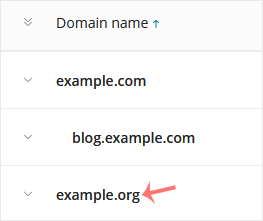
3. Under the list of Domain names, click on the appropriate domain name.
ÂÂÂ
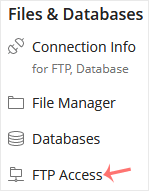
4. Under Files & Databases, click on FTP Access.
ÂÂÂ
5. Click on the appropriate FTP account.

ÂÂÂ
6. Enter the new FTP name in the FTP account name field and confirm with OK.

ÂÂÂ
ÂÂÂ
